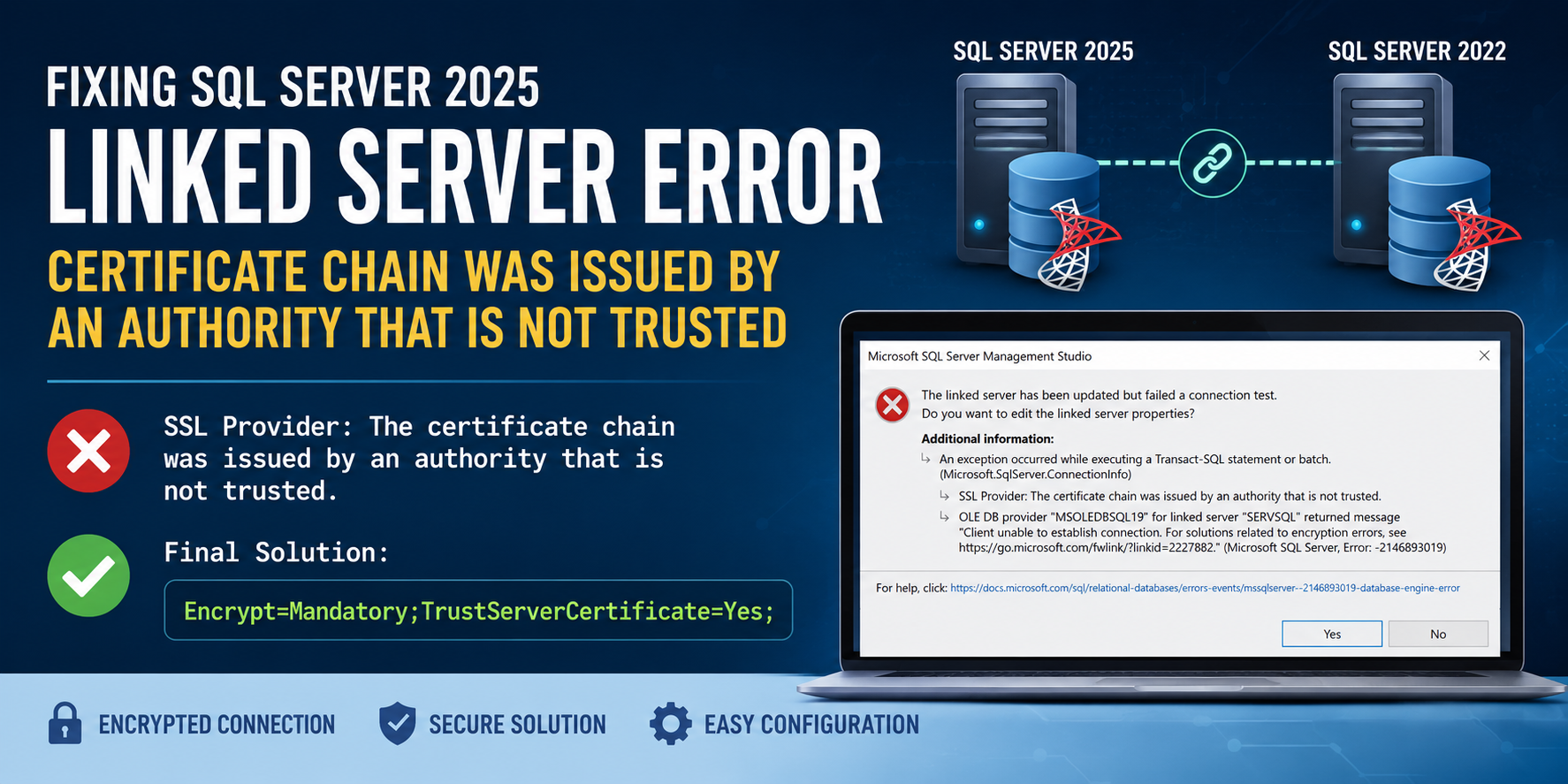
Fixing SQL Server 2025 Linked Server Error: “The certificate chain was issued by an authority that is not trusted”
After upgrading a SQL Server instance to SQL Server 2025, I encountered an issue with an existing linked server that had been working perfectly before the upgrade.
The linked server connected to a SQL Server 2022 instance using the MSOLEDBSQL provider.
Symptoms
When testing the linked server in SQL Server Management Studio (SSMS), the following error appeared:
The linked server has been updated but failed a connection test.

SSL Provider: The certificate chain was issued by an authority that is not trusted.

OLE DB provider "MSOLEDBSQL19" for linked server "YOURSERVSQL" returned message
"Client unable to establish connection.
For solutions related to encryption errors, see
https://go.microsoft.com/fwlink/?linkid=2227882".

Microsoft SQL Server, Error: -2146893019
Cause
Starting with newer versions of the Microsoft OLE DB Driver for SQL Server (MSOLEDBSQL 19), encryption is enabled by default and certificate validation is enforced.
If the remote SQL Server is using a self-signed certificate or a certificate issued by an untrusted CA, linked server connections that previously worked may suddenly fail after upgrading SQL Server or the OLE DB driver.
Initial Attempt
I recreated the linked server and added the following provider string:
@provstr = N'Trust Server Certificate=True;';Unfortunately, this had no effect.
I then tried:
@provstr = N'Encrypt=Mandatory;TrustServerCertificate=True;';This produced a different error:
Invalid value specified for connection string attribute 'TrustServerCertificate'The Solution
The provider string must use Yes/No instead of True/False for the TrustServerCertificate option.
The following configuration worked immediately:
EXEC master.dbo.sp_addlinkedserver
    @server     = N'YOURSERVSQL',
    @srvproduct = N'',
    @provider   = N'MSOLEDBSQL',
    @datasrc    = N'YOURSERVSQL',
    @provstr    = N'Encrypt=Mandatory;TrustServerCertificate=Yes;';
After recreating the linked server with this provider string, the connection test succeeded.
Why This Works
The newer MSOLEDBSQL driver expects the provider string option:
TrustServerCertificate=Yesrather than:
TrustServerCertificate=TrueAlthough many SQL Server connection string examples use True/False, the OLE DB provider used by linked servers expects Yes/No for this attribute.
Security Considerations
Using:
TrustServerCertificate=Yesstill encrypts the connection, but skips validation of the server certificate.
For production environments, the recommended solution is to:
- Install a certificate issued by a trusted Certificate Authority (CA) on the remote SQL Server.
- Ensure the certificate’s Common Name (CN) or Subject Alternative Name (SAN) matches the server name used by the linked server.
- Remove
TrustServerCertificate=Yesonce certificate validation succeeds.
Summary
Problem
- SQL Server 2025 upgrade
- Existing linked server to SQL Server 2022 stops working
- Error:
The certificate chain was issued by an authority that is not trusted
Working Solution
@provstr = N'Encrypt=Mandatory;TrustServerCertificate=Yes;';This restored connectivity without any other changes to the linked server configuration.

Resistance is futile.